> ## Documentation Index
> Fetch the complete documentation index at: https://domoinc-bradley-turek-pfilter-operators-reference.mintlify.site/llms.txt
> Use this file to discover all available pages before exploring further.
# Key Terminology
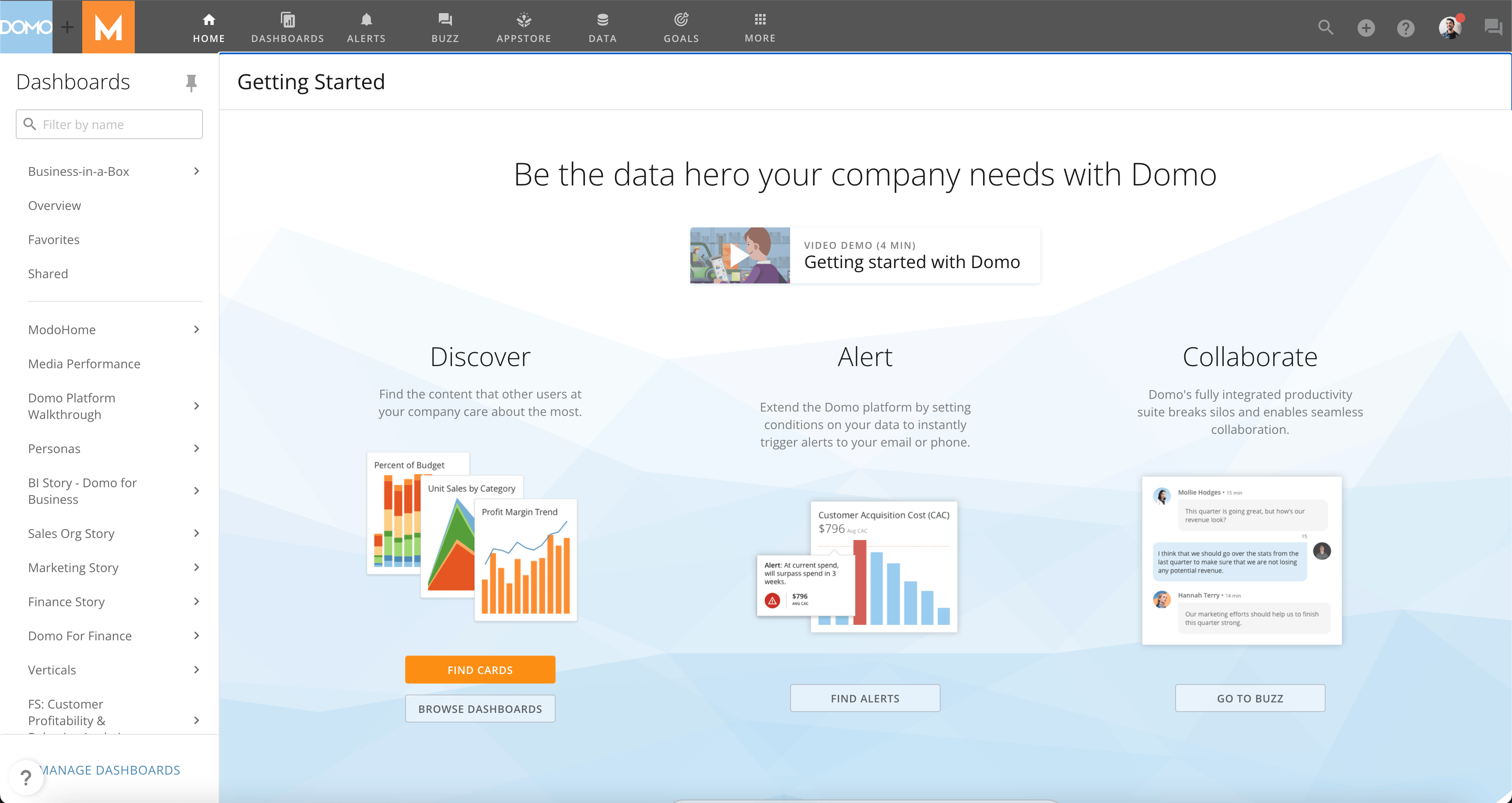
#### Domo Instance
An organizations's Domo Account that includes a suite of no-code, low-code, and high-code tools for building enterprise-grade, end-to-end data pipelines.
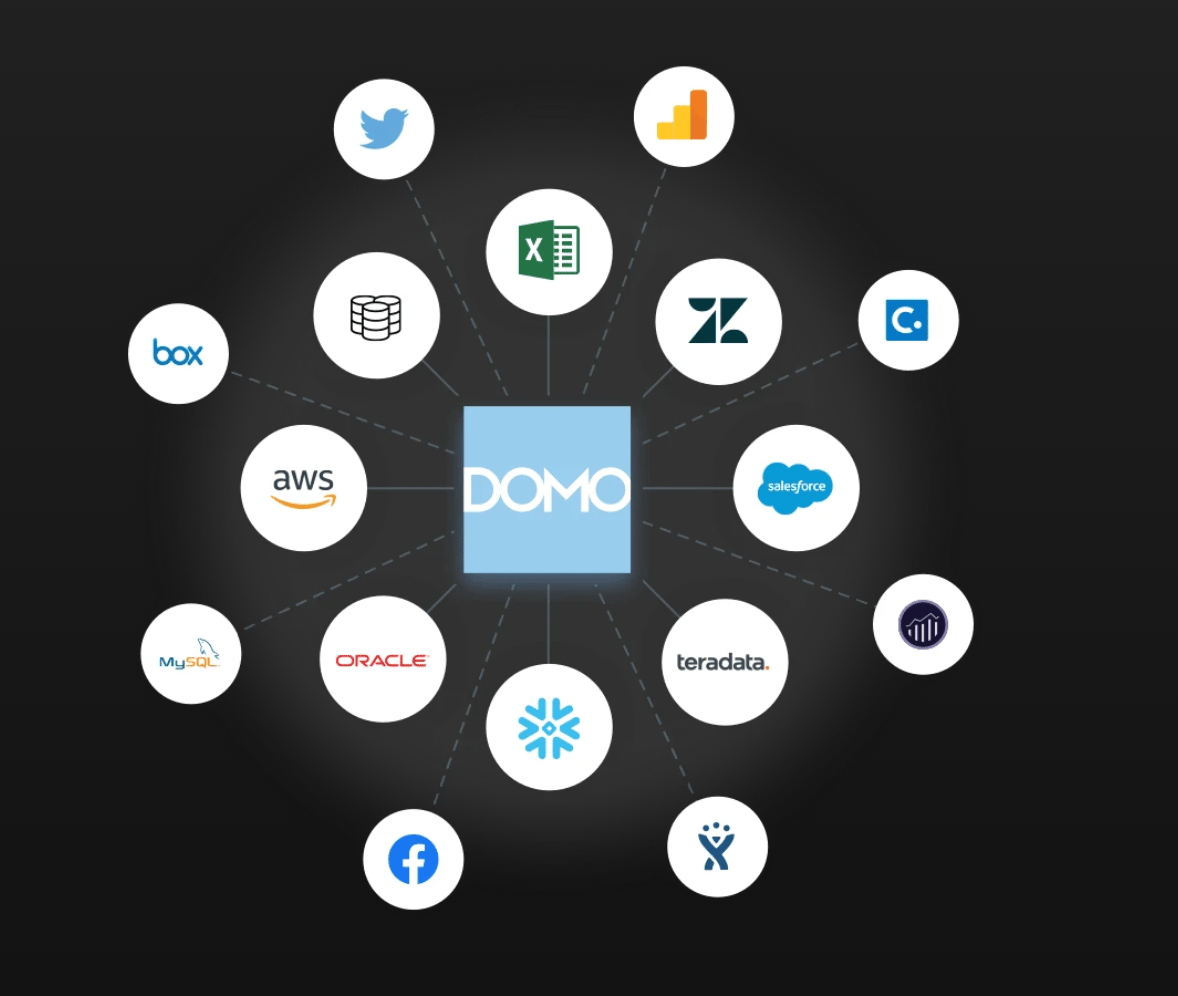
 #### Data source
The source provider of the data coming into Domo.
#### Data source
The source provider of the data coming into Domo.
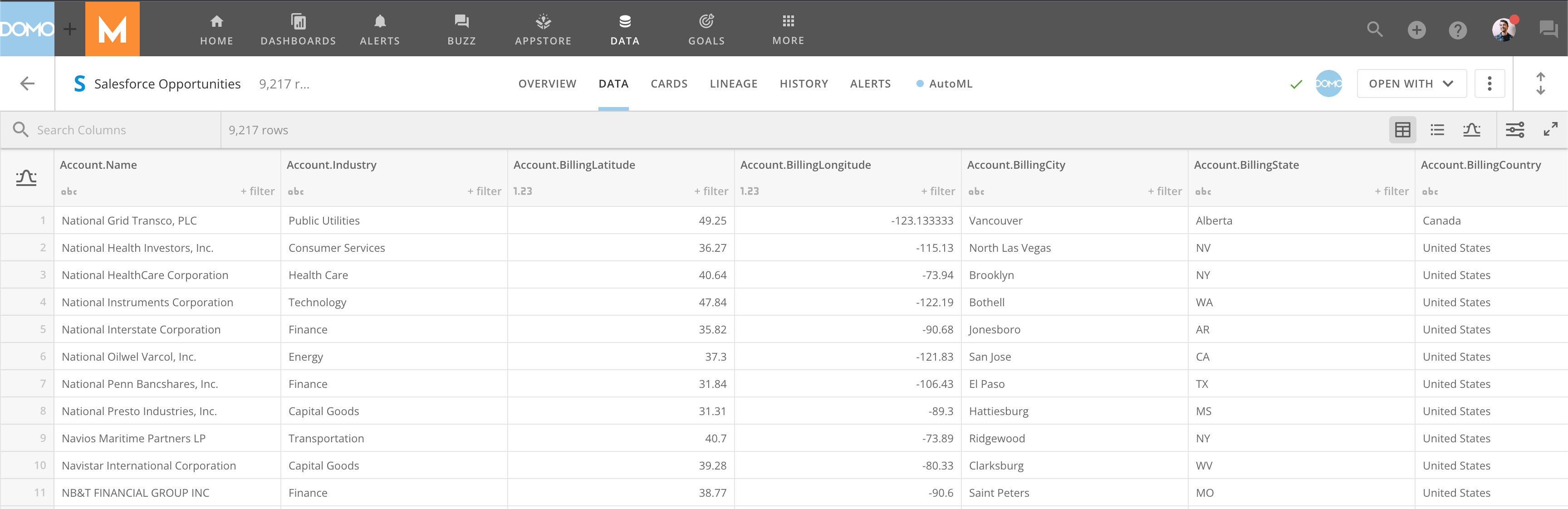
 #### DataSet
The data extracted from a data source and stored in Domo.
#### DataSet
The data extracted from a data source and stored in Domo.
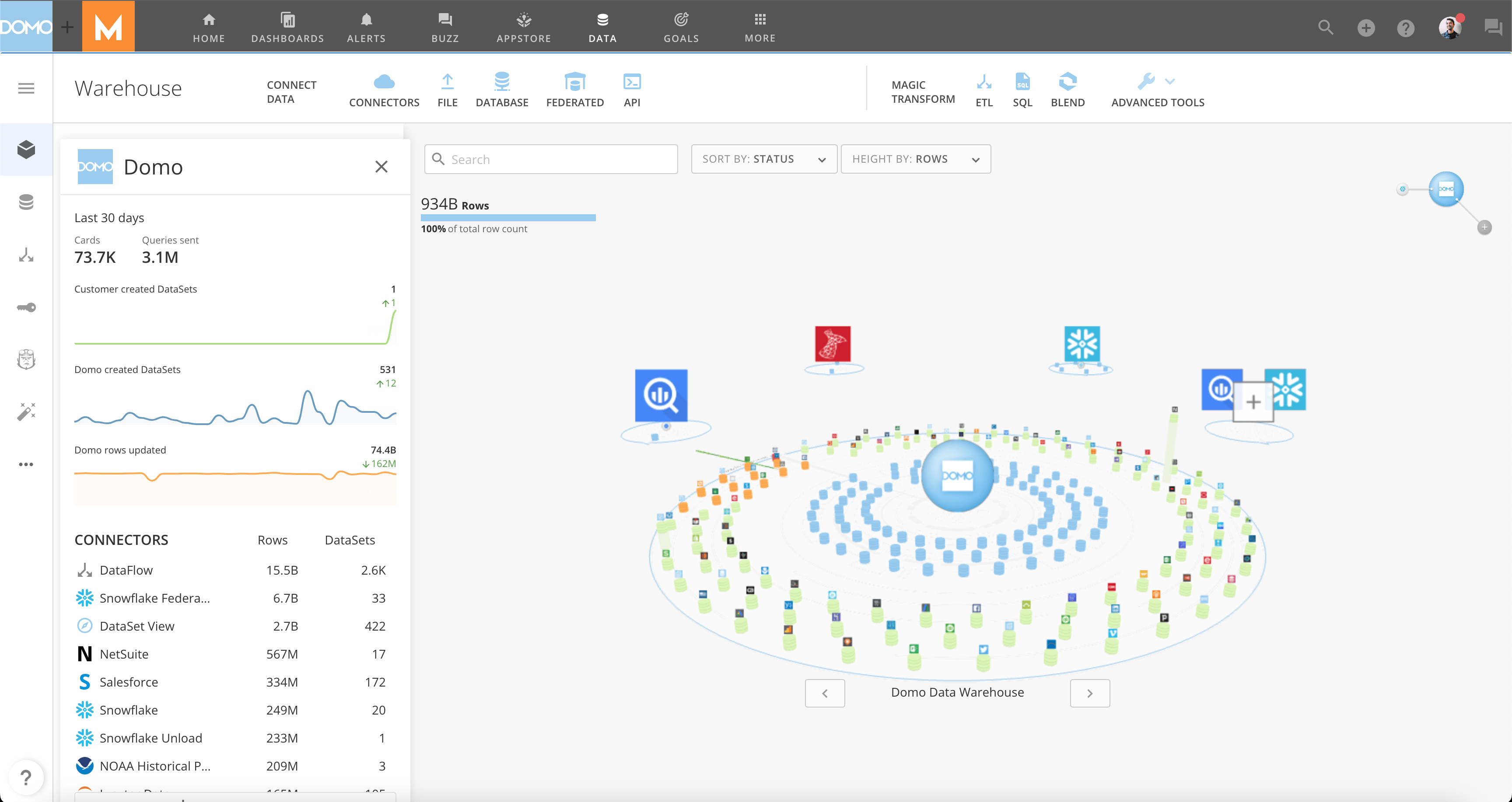
 #### Data Center
A page in Domo in which you can view and manage DataSets; add new DataSets; combine DataSets; and manage user accounts for different connectors.
#### Data Center
A page in Domo in which you can view and manage DataSets; add new DataSets; combine DataSets; and manage user accounts for different connectors.
 #### App Design
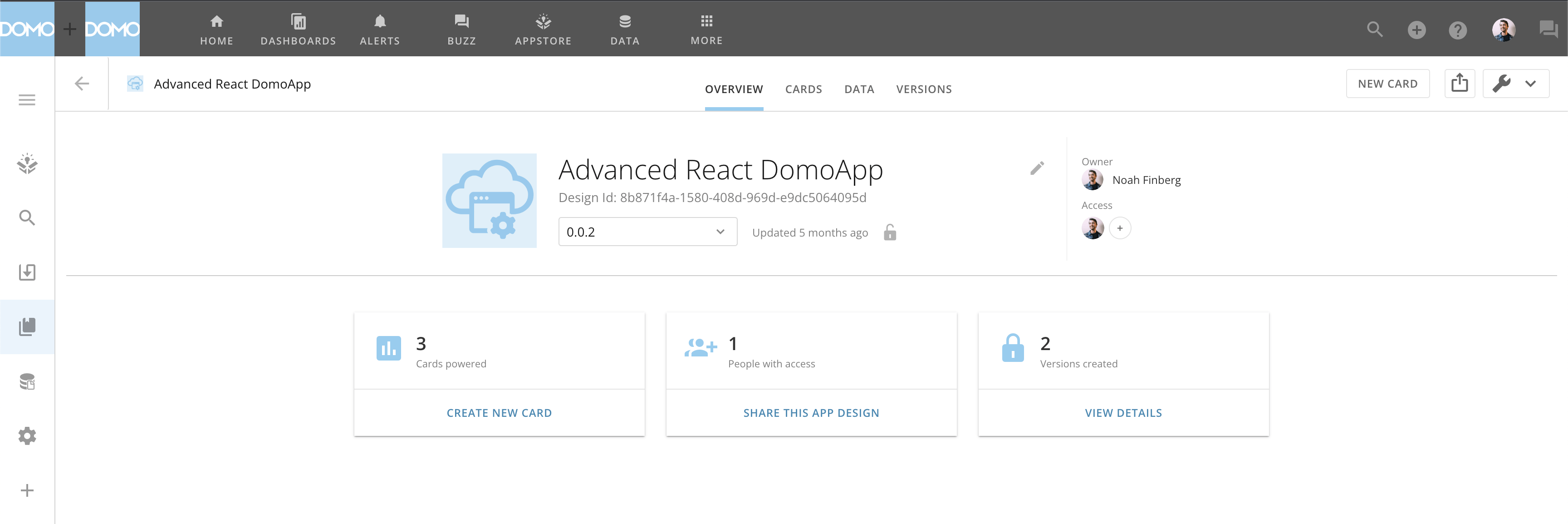
A published app design becomes the template which can then be used to power up many instances of that app in Domo, each potentially wired to different DataSets.
#### App Design
A published app design becomes the template which can then be used to power up many instances of that app in Domo, each potentially wired to different DataSets.
 #### App Instance
Each App Design can spawn one or many instances of an App (equivalent to a Card in Domo). These instances can be wired up to different DataSets and Collections in Domo.
#### App Instance
Each App Design can spawn one or many instances of an App (equivalent to a Card in Domo). These instances can be wired up to different DataSets and Collections in Domo.
 #### [App Manifest](/portal/Apps/App-Framework/Guides/manifest)
The `manifest.json` is the required configuration file that defines your app for Domo.
```json theme={"dark"}
{
"name": "Example comments app", // Name of your App Design
"version": "1.0", // Version number
"size": {
"width": 6,
"height": 6
},
"mapping": [ // Defines the DataSets and schema used in your App Design
{
"alias": "sales",
"dataSetId": "5168da8d-1c72-4e31-ba74-f609f73071dd",
"fields": [
{
"alias": "amount",
"columnName": "Sales Amount"
},
{
"alias": "name",
"columnName": "Client Name"
},
{
"alias": "startDate",
"columnName": "Contract Initiation Date"
}
]
}
],
"collections": [ // Defines the AppDB Collections used in your App Design
{
"name": "CommentsTable",
"schema": {"columns":
[{"name": "user", "type": "STRING"},
{"name": "comment", "type": "STRING"}]
},
"syncEnabled": true // True if you want your collection synced back to a Domo DataSet (schema required)
},
{
"name": "Users"
}
],
"id": "760ae493-6c29-4e61-8fe3-9c887265ea86" // App Design Id
"proxyId": "5214dc9d-7ebe-4bf5-a0b9-c66f57a350b1" // App Instance you are developing against (needed for AppDB collection)
}
```
#### Wiring Screen
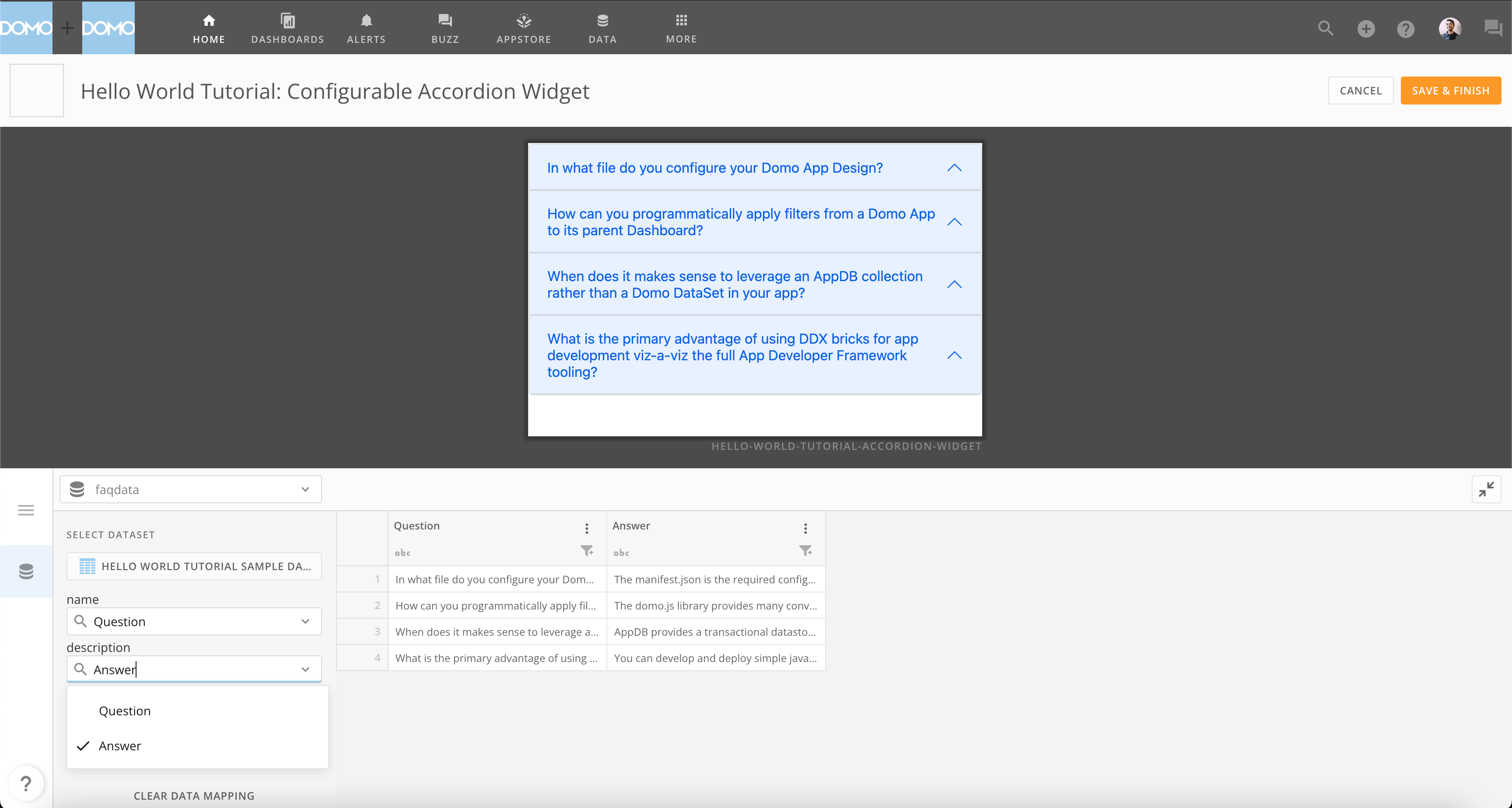
The wiring screen is where you map your App to data in Domo.
#### [App Manifest](/portal/Apps/App-Framework/Guides/manifest)
The `manifest.json` is the required configuration file that defines your app for Domo.
```json theme={"dark"}
{
"name": "Example comments app", // Name of your App Design
"version": "1.0", // Version number
"size": {
"width": 6,
"height": 6
},
"mapping": [ // Defines the DataSets and schema used in your App Design
{
"alias": "sales",
"dataSetId": "5168da8d-1c72-4e31-ba74-f609f73071dd",
"fields": [
{
"alias": "amount",
"columnName": "Sales Amount"
},
{
"alias": "name",
"columnName": "Client Name"
},
{
"alias": "startDate",
"columnName": "Contract Initiation Date"
}
]
}
],
"collections": [ // Defines the AppDB Collections used in your App Design
{
"name": "CommentsTable",
"schema": {"columns":
[{"name": "user", "type": "STRING"},
{"name": "comment", "type": "STRING"}]
},
"syncEnabled": true // True if you want your collection synced back to a Domo DataSet (schema required)
},
{
"name": "Users"
}
],
"id": "760ae493-6c29-4e61-8fe3-9c887265ea86" // App Design Id
"proxyId": "5214dc9d-7ebe-4bf5-a0b9-c66f57a350b1" // App Instance you are developing against (needed for AppDB collection)
}
```
#### Wiring Screen
The wiring screen is where you map your App to data in Domo.
 #### [AppDB](/portal/API-Reference/app-framework-apis/AppDB-API)
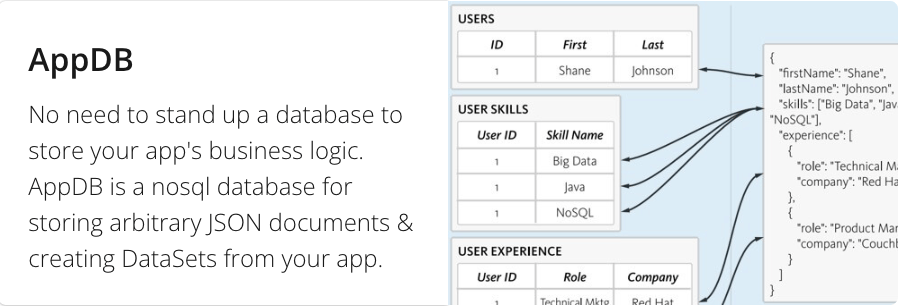
A wrapper around a MongoDB database that adds document-level security filters and ensures tight integration with Domo Instances. You can use AppDB as your web application's database. It enables real-time, read/write functionality in your application.
#### [AppDB](/portal/API-Reference/app-framework-apis/AppDB-API)
A wrapper around a MongoDB database that adds document-level security filters and ensures tight integration with Domo Instances. You can use AppDB as your web application's database. It enables real-time, read/write functionality in your application.
 #### [Domo App CLI](/portal/Apps/App-Framework/Tools/domo-CLI)
The main tool you'll use to create, edit, and publish app designs to your Domo instance. The Domo App CLI is sometimes referred to as `ryuu`.
#### [Domo App CLI](/portal/Apps/App-Framework/Tools/domo-CLI)
The main tool you'll use to create, edit, and publish app designs to your Domo instance. The Domo App CLI is sometimes referred to as `ryuu`.