> ## Documentation Index
> Fetch the complete documentation index at: https://domoinc-bradley-turek-pfilter-operators-reference.mintlify.site/llms.txt
> Use this file to discover all available pages before exploring further.
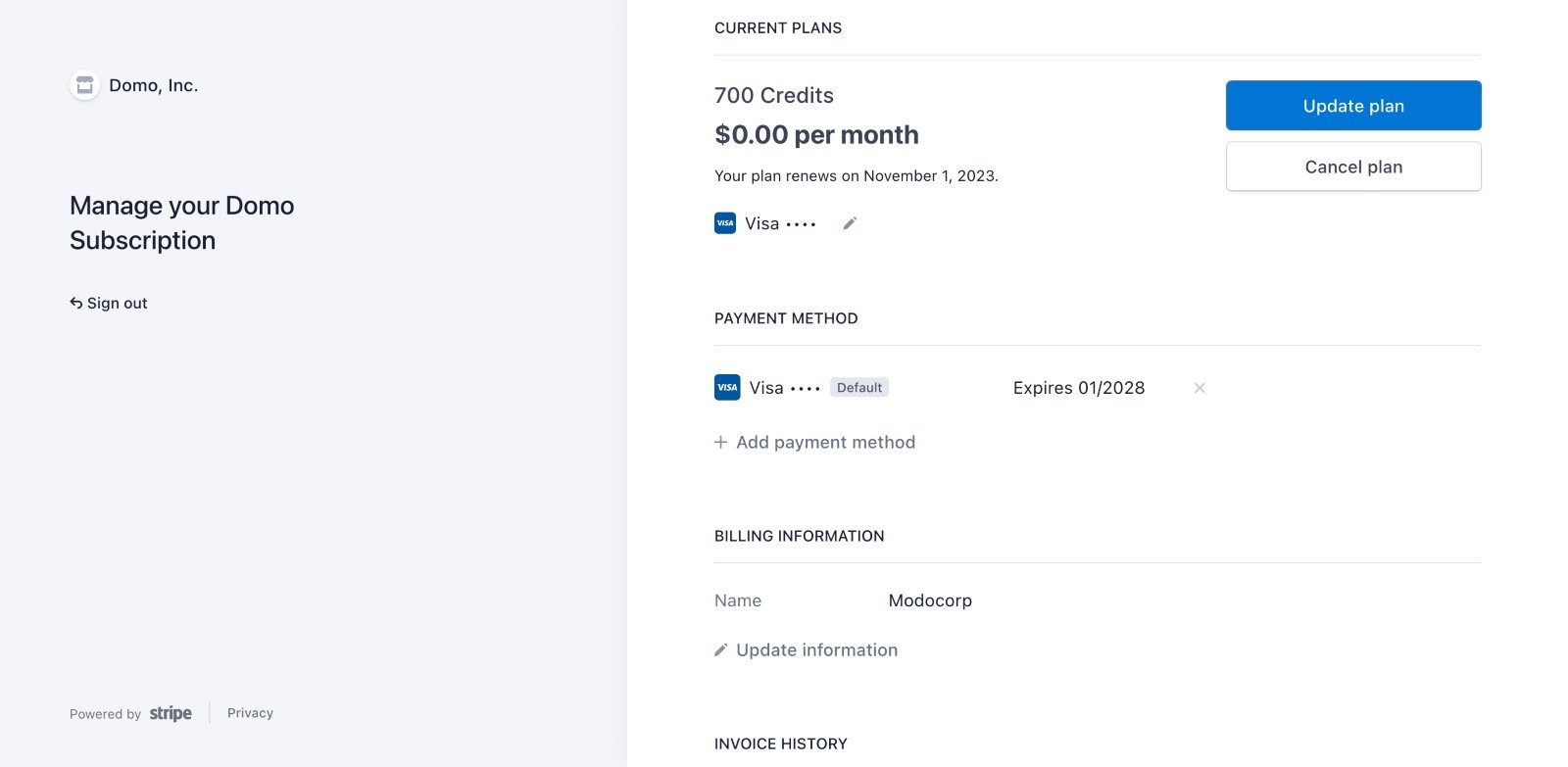
# Update Payment Details for Domo Free
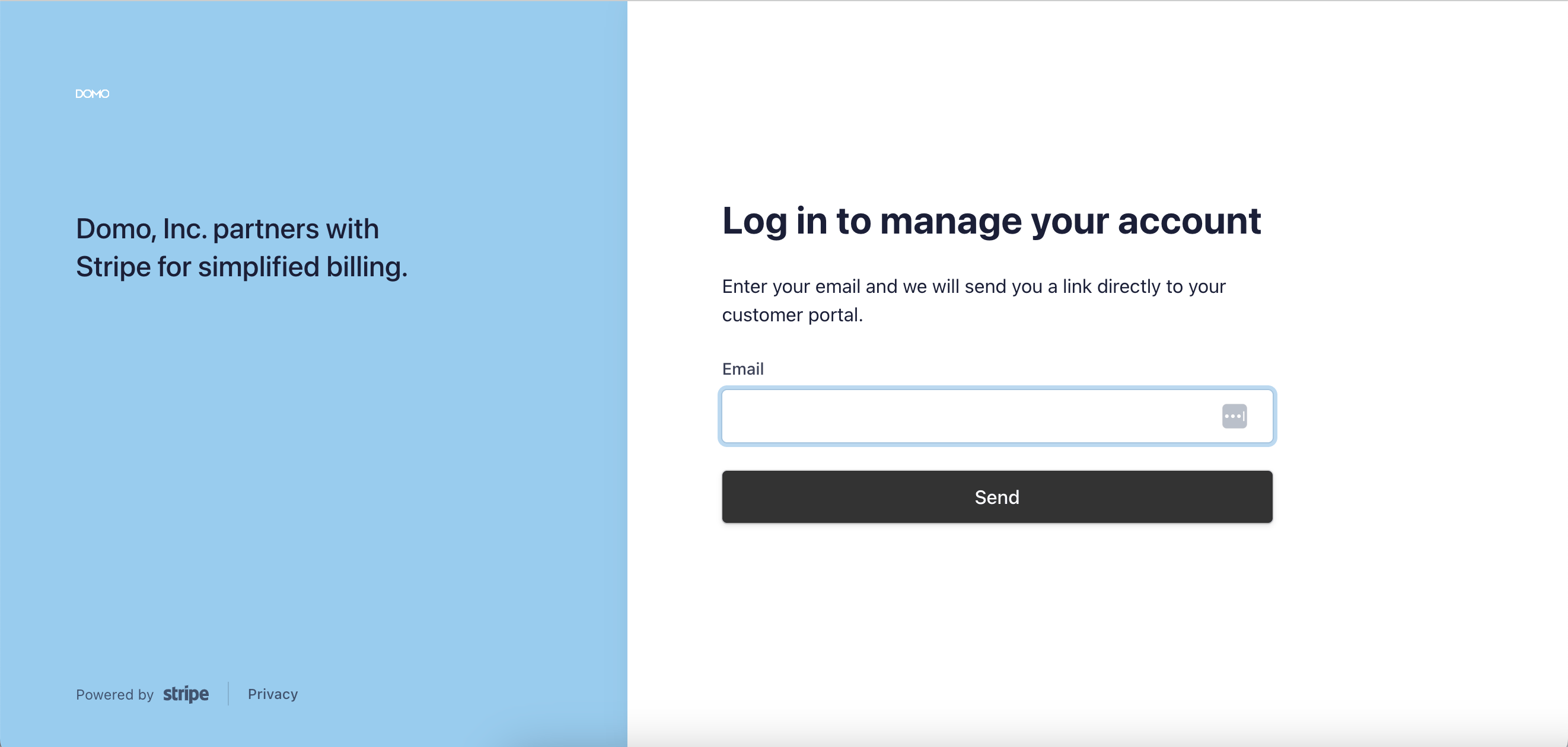
If you need to update your payment information for Domo Free, such as in the event of a failed payment, follow this link to [Stripe ](https://public.domo.com/payments/v1/subscriptions/portal) to manage your billing details.
Log in with your Stripe credentials, rather than with Domo credentials. Alternatively, you can access Stripe from within Domo by following the steps below.
 **Note:** If you are experiencing failed payments and updating your payment method is not resolving the issue, please contact your financial institution.
To access the billing management portal from inside Domo, follow these steps:
1. Log into the Domo instance for which you are updating payment information.
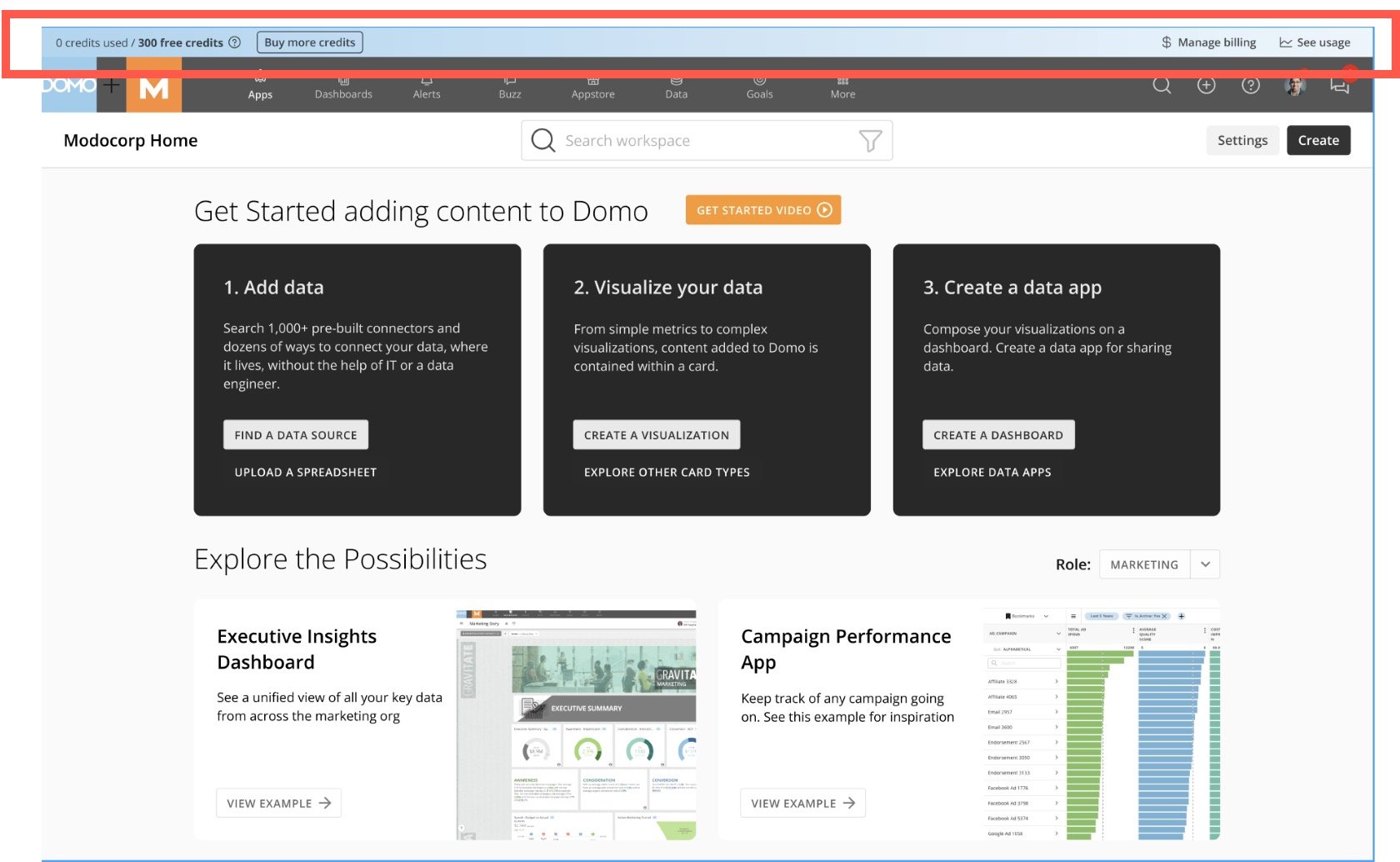
2. In the usage bar at the top of the screen, select **Manage billing** to access your billing details in Stripe.
**Note:** If you are experiencing failed payments and updating your payment method is not resolving the issue, please contact your financial institution.
To access the billing management portal from inside Domo, follow these steps:
1. Log into the Domo instance for which you are updating payment information.
2. In the usage bar at the top of the screen, select **Manage billing** to access your billing details in Stripe.
 3. In Stripe, make changes to your payment method, billing information, or other settings as needed.