Intro
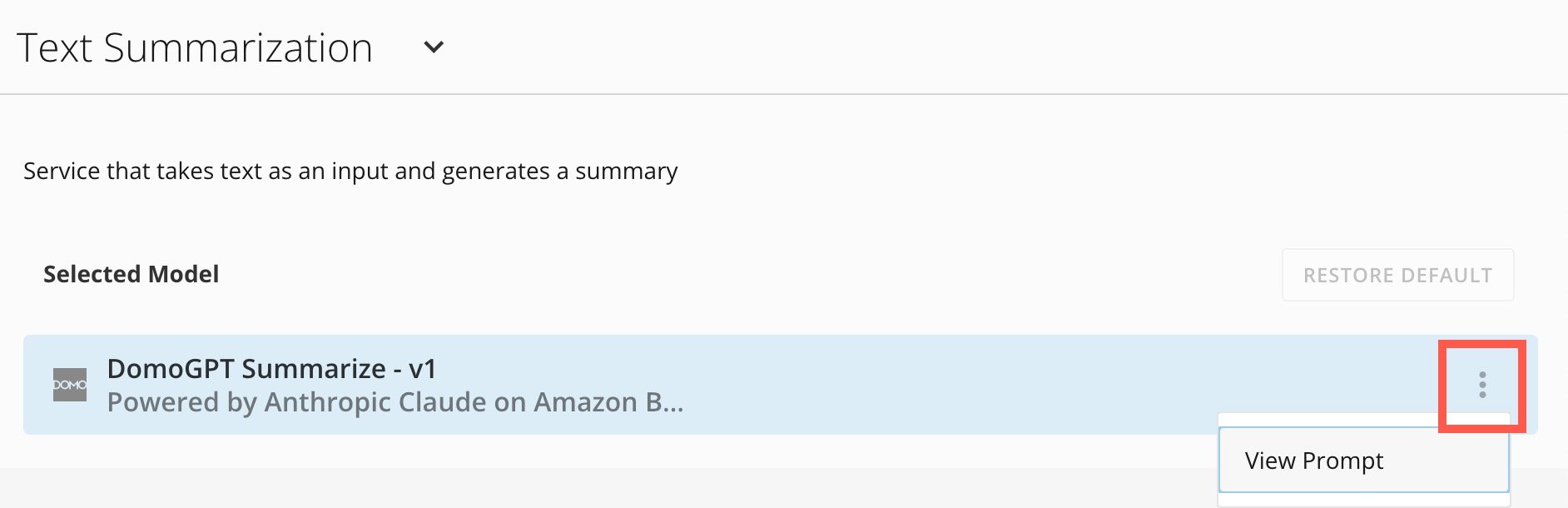
Domo admins have access to the AI Service Layer settings. Here they can view details about the Domo Default Model for each available service. The available AI services are described below. You can use these services in Jupyter Workspaces, Domo apps, Domo Bricks, and Workflows. Chat Completion — Generate a conversational response to a prompt or message history. Suited for interactive Q&A, assistants, and multi-turn dialogue. Forecasting — Predict future values from historical time-series data. Use for demand planning, revenue projections, and trend analysis. Image Embedding — Convert an image into a numerical vector representation. Enables similarity search, clustering, and classification of visual content. Image-to-Text — Extract or generate text from an image. Covers OCR, caption generation, and visual question answering. Messages — Send structured input to a model as a sequence of conversation turns. The foundation for agentic and multi-step AI workflows. Planner — Break a high-level goal into an ordered sequence of steps or subtasks. Useful for orchestrating multi-action workflows and agent pipelines. Text Embedding — Convert text into a numerical vector. Powers semantic search, document similarity, recommendation, and retrieval-augmented generation. Text Generation — Produce free-form text from a prompt. General-purpose writing, completion, brainstorming, and content creation. Text Summarization — Condense a longer piece of text into a shorter version that captures the key points. Text-to-Beast-Mode — Translate a natural language description into a Beast Mode calculation, enabling users to create custom metrics and calculated columns without writing the formula manually. Text-to-SQL — Translate a natural language question into a SQL query, allowing non-technical users to query databases conversationally. Tool Calling — Enable a model to invoke external functions or APIs as part of generating a response. The mechanism behind agents that take real-world actions.Access AI Service Layer Settings
Access the settings from the navigation header by selecting More > Admin. The Admin Settings display. In the AI Service Service Layer menu, select Services. On the Services page, select the dropdown and choose from the available services.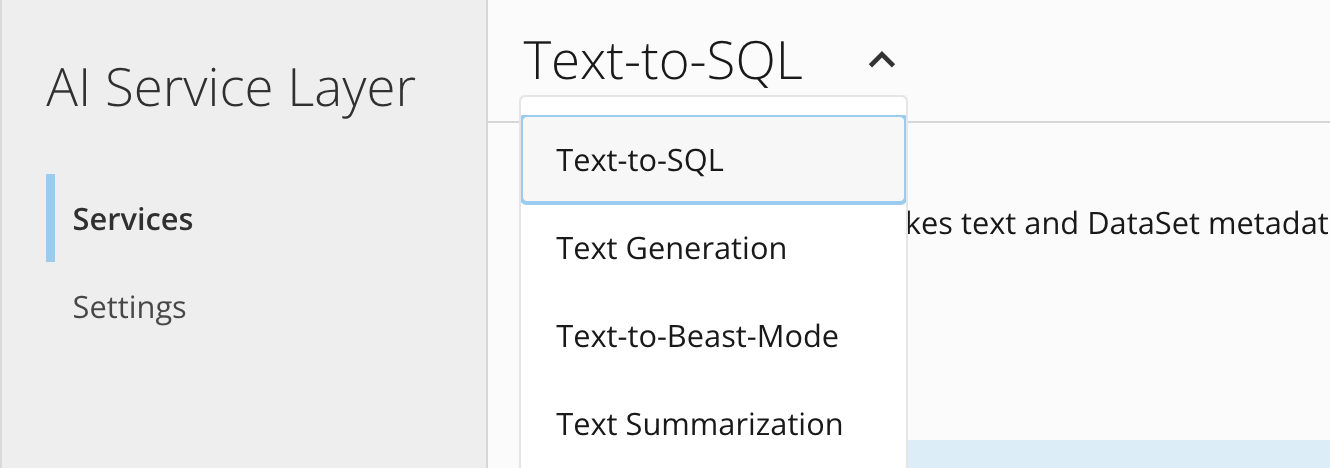
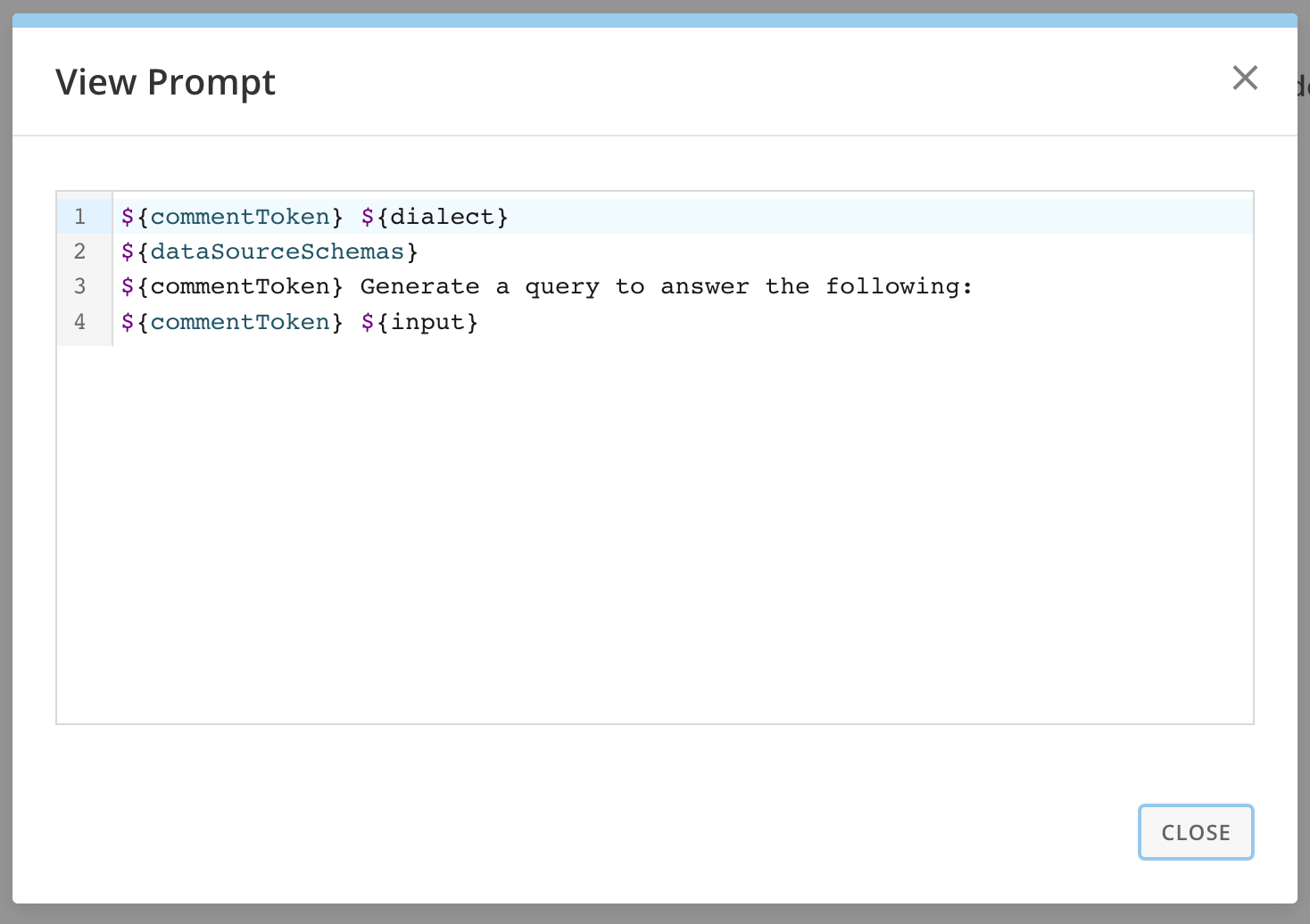
 More > View Prompt to display the prompt for that service.