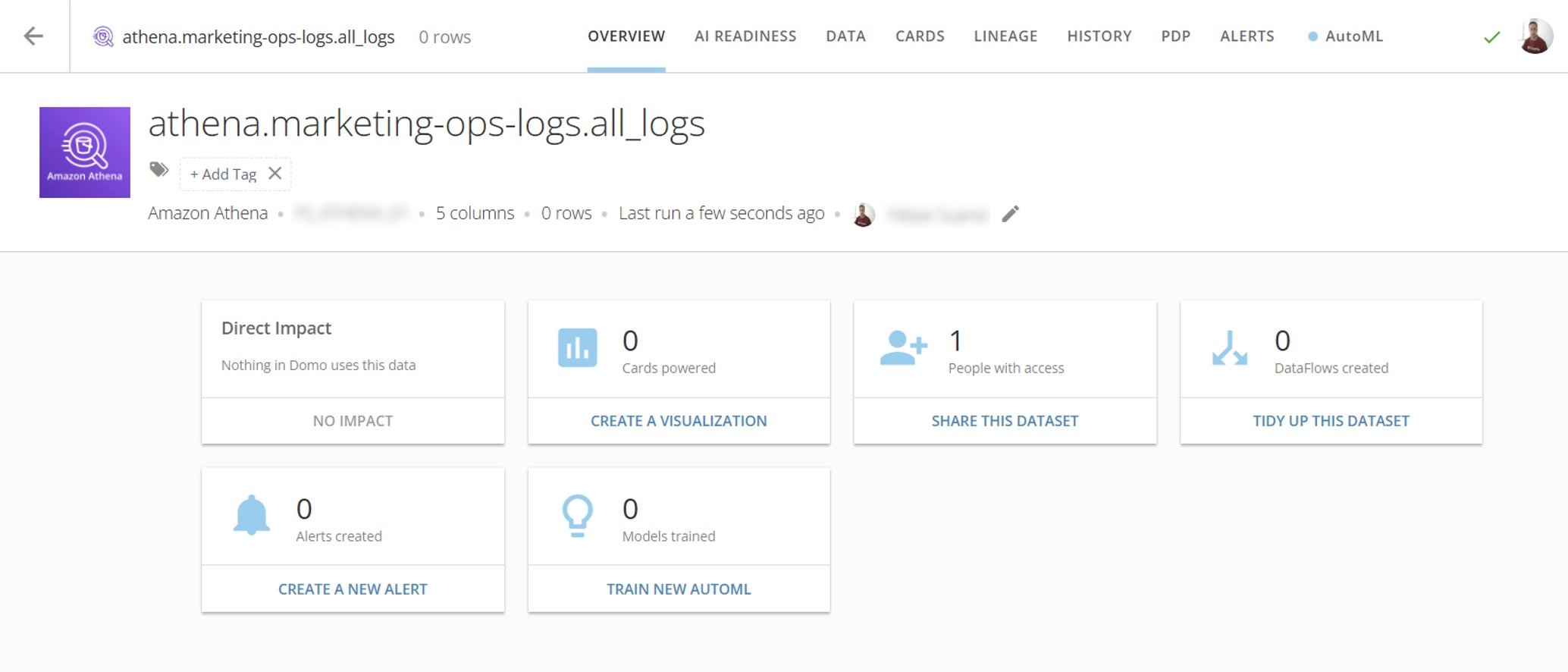
Intro
Athena users can connect their data to Domo through Cloud Integrations native integrations. Integrating Athena into Domo is as simple as providing connection parameters and selecting the tables you want to see as Domo DataSets.Prerequisites
Before you set up an Athena integration, you must have an IAM role (ARN) with access to the information that you need to connect to Domo.Create an Athena Integration
Follow the steps below to create a read-only Athena integration:-
In Domo, go to the
 Data Warehouseand select
  Add New Cloud Account.
-
In the Amplify existing cloud warehouses modal, under Native integration, choose See More.
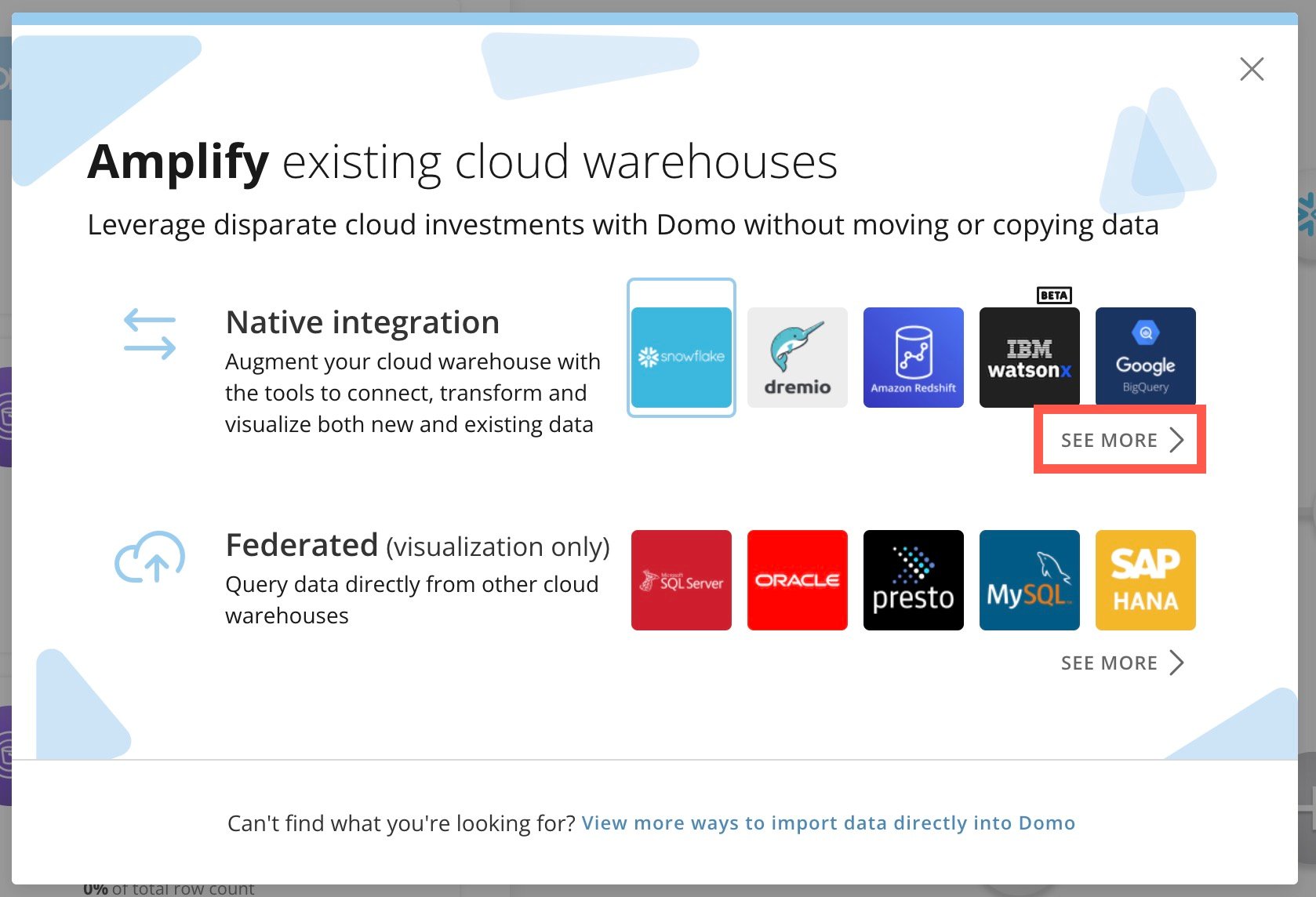
- Choose the Athena tile.
- Select + Add New Integration. If there are existing integrations, this option displays at the bottom of the list.
-
Enter the information listed in the table below and select Next.
-
Configure the caching options and select Next. Learn about caching rules with Cloud Integrations.
A success message displays.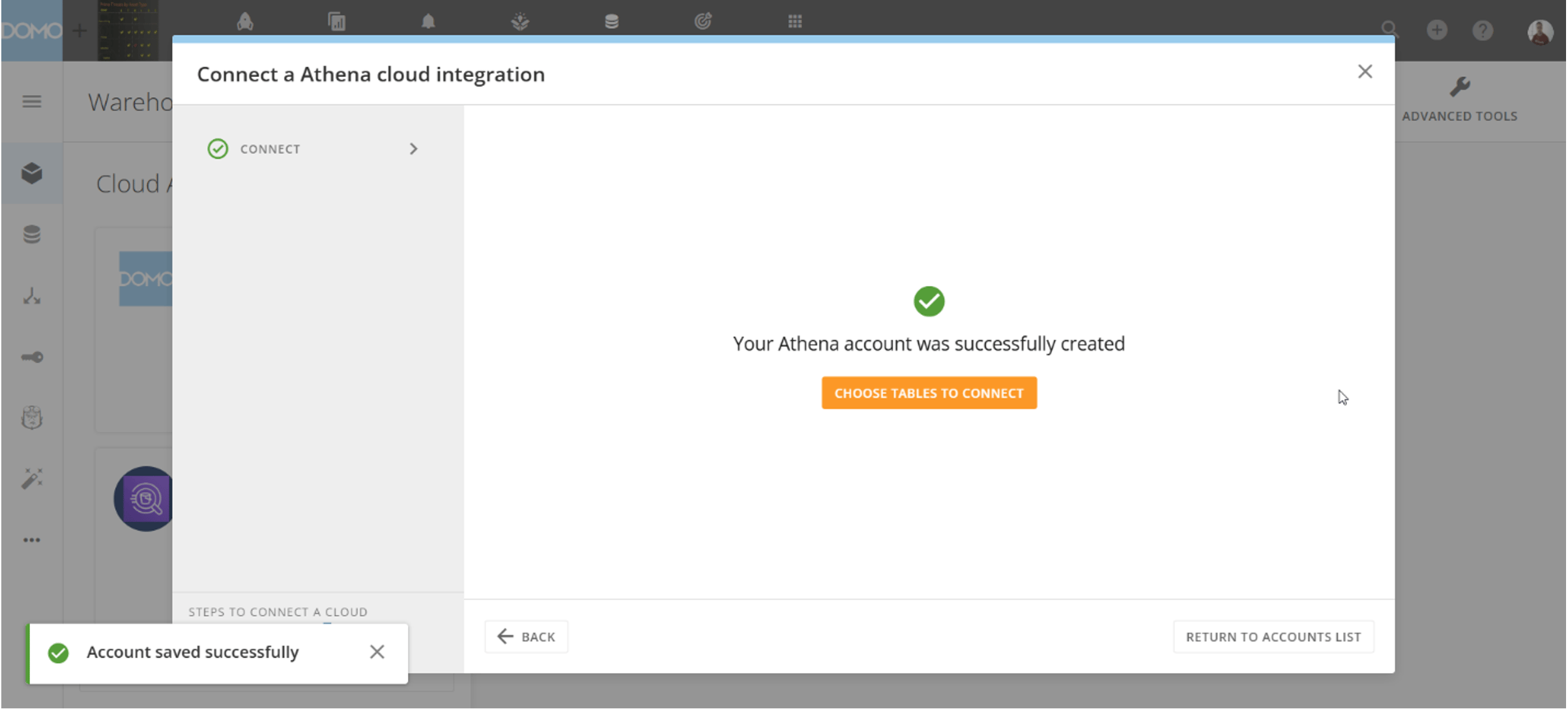
- Select Choose Data Tables to Connect.
-
Use the table picker to choose the Athena schemas and tables to connect to Domo.
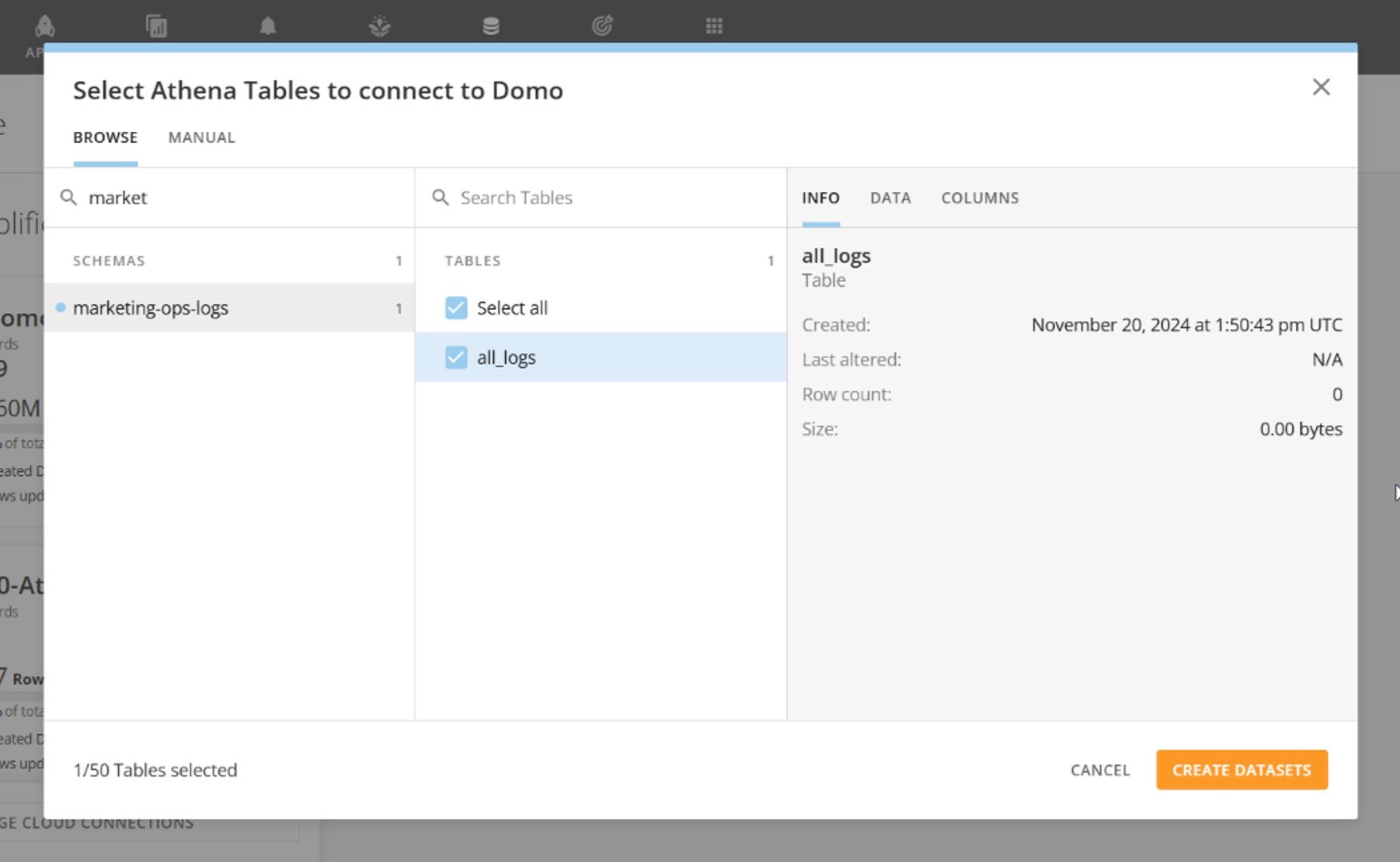
- Select Create DataSets to open the sharing modal. Here you have the option to share the data with individuals and groups and choose their access level.